
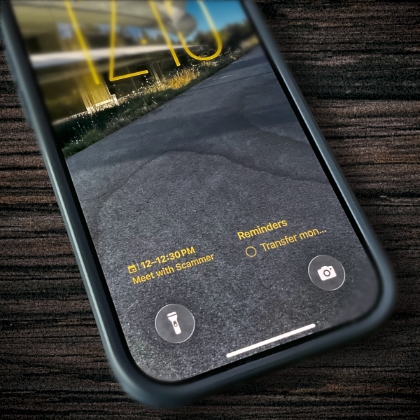
At an institution like SBTS, certain phishing attempts repeatedly target faculty, staff, and students, often in batches around the same time. This series of posts highlights some of the more common phishing schemes that have been reported and uncovered in recent years.
The Calendar Invitation
In this phishing attempt, the attacker sends a calendar invitation via email. The attack exploits a feature found in many email and calendar systems — including Gmail and Google Calendar — that automatically inserts a placeholder event on the calendar when an invitation is detected, even before the user accepts. In most calendar apps, event placeholders are usually outlined (unfilled) with the color of the calendar and not filled in similar like accepted calendar events or self-created events.
What makes this attack particularly tricky is that, even if the email is deleted, the placeholder on the calendar remains. As shown in the Scribe walkthrough below, Gmail may even flag the email as spam and remove it from your inbox, but because calendar systems currently have no mechanism for distinguishing calendar invitations as malicious, the placeholder event remains on the calendar.
The phishing payload is often found in the event’s notes or description. It may appear as a fake Zoom link for cases where the meeting includes a video conferencing option, or as an attached document that a user unknowingly downloads and opens.
How to Spot this Phishing Attempt and Remove It
Image Credit: Jason Heath